
Real HTTPS for Every Homelab Service – Let's Encrypt Wildcard Certs Without Exposing Anything
Teaser for the newsletter – send as 'Email only'.
It's been a while – sorry for the silence! 👋
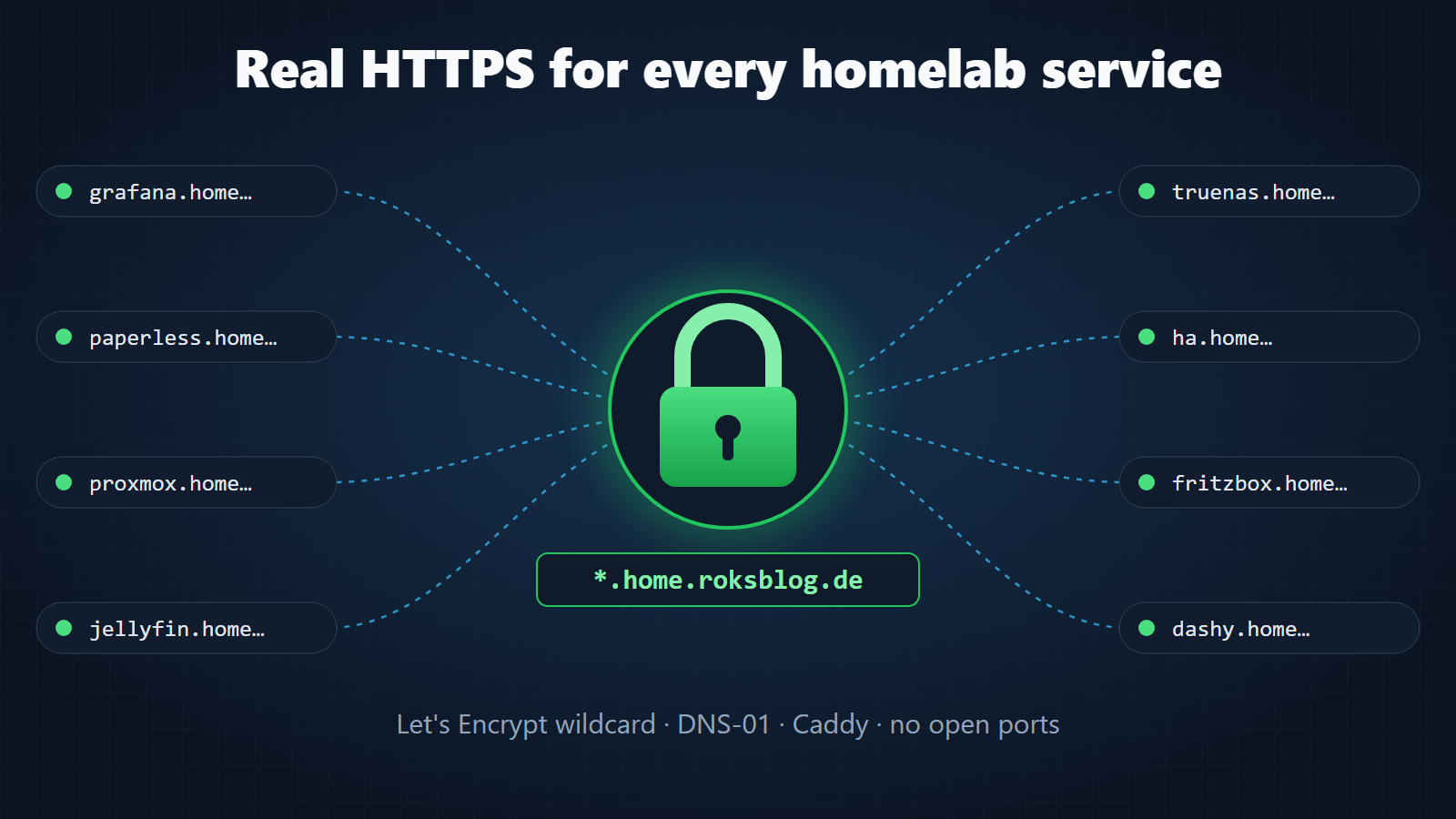
Tired of http://192.168.2.2:30070 bookmarks and "Your connection is not private" warnings in your homelab? I finally gave every service in my lab a proper name like https://grafana.home.roksblog.de with a real, browser-trusted Let's Encrypt certificate – without exposing a single service to the internet.
The trick: one wildcard certificate via the DNS-01 challenge, a wildcard DNS record pointing to a private IP, and Caddy as reverse proxy. All you need is a domain for a few euros a year and an afternoon. In the post I show the complete setup, including the pitfalls that cost me time (DNS rebind protection, slow secondary nameservers, picky Host headers …).
🤖 This post was written with the help of AI and reviewed by me.