
Why My Oracle Free Tier Instance Kept Becoming “Unresponsive” — And How I Fixed It
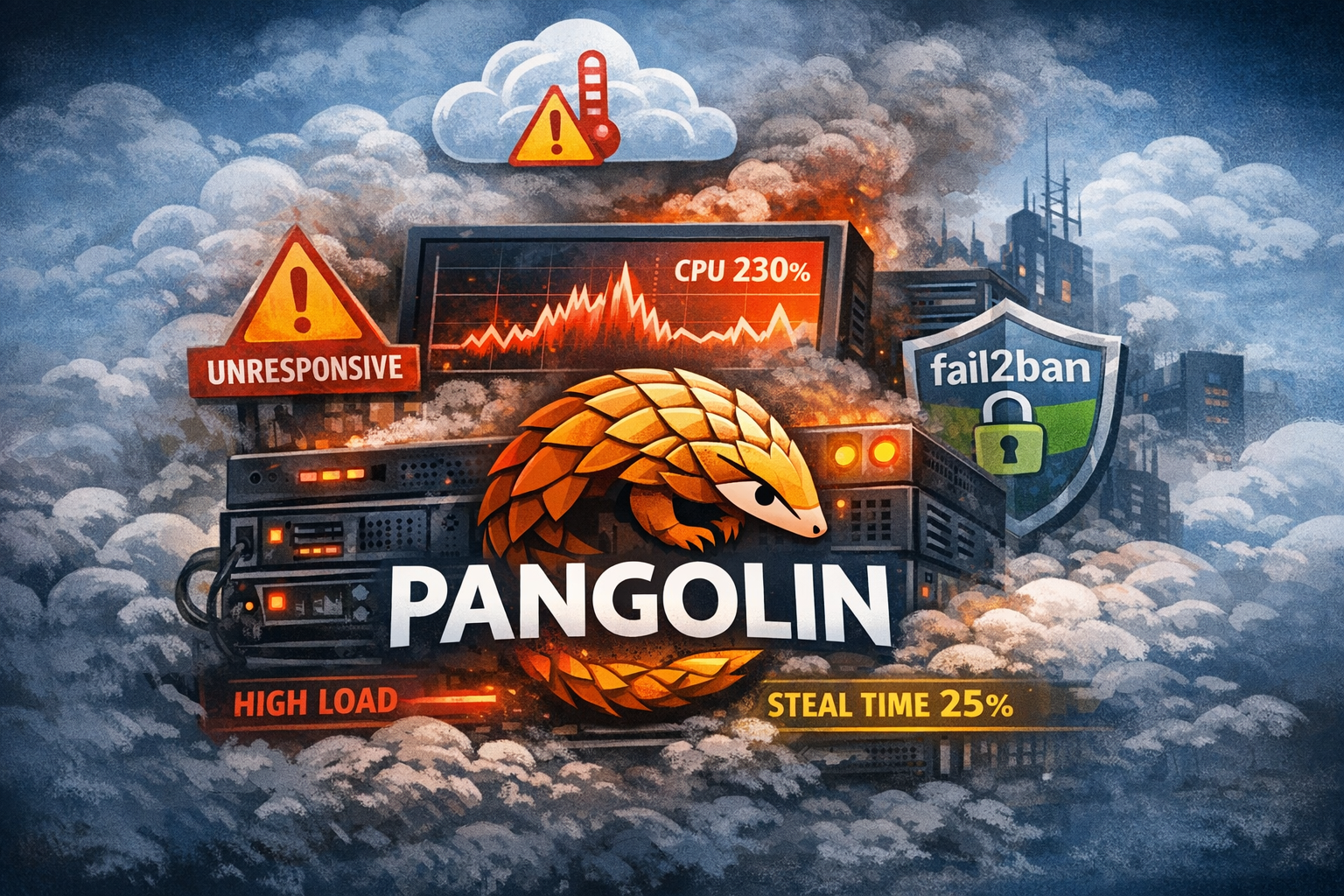
TL;DR:
My free-tier VM on Oracle Cloud Infrastructure kept becoming “unresponsive”.
- It wasn’t an Oracle outage.
- It was sustained high CPU usage from Pangolin running on a shared AMD micro instance.
- Because I didn’t limit container CPU, the VM hit heavy steal time (
stintop), which caused health checks to fail.
Fix:
docker update --cpus 0.5 pangolin
Optional but highly recmmended always:
apt install fail2ban -y
After limiting CPU:
- Load dropped
- Steal time went near zero
- Instance became stable
Free-tier AMD instances are very sensitive to sustained CPU usage.
Always set explicit CPU limits for containers.
For a few days, my free-tier VM on Oracle Cloud Infrastructure kept randomly switching to:
“This instance is unresponsive.”
SSH would hang.
Health checks failed.
OCI marked the instance unhealthy.
Turns out… it was my Pangolin setup 😅
🖥️ The Setup
I’m running Pangolin as my public entry point because:
- I only have DSLite at home
- No public IPv4
- No inbound connectivity
So the cloud VM acts as:
- Public reverse proxy
- VPN endpoint
- Secure entry point into my home network
Everything runs inside Docker on a:
VM.Standard.E2.1.MicroAMD EPYC 7551 GB RAM
~1Shared CPU
In other words: the smallest possible free-tier AMD instance.
🔍 The Symptoms
After reboot:
- Uptime: 1 minute
- Load average > 1
- SSH laggy
- OCI marked instance unhealthy
Disk usage? Fine.
RAM? Fine.
Traffic? Almost none.
It didn’t make sense.
🧠 The Turning Point: top
I ran:
top
And saw this:
pangolin   228% CPU
st         25%
That st value was the key.
⏳ What Is “Steal Time”?
In Linux top, st means:
Time your VM wanted CPU but the hypervisor didn’t give it.
On shared cloud instances, that happens when:
- You exceed your CPU baseline
- The host is under pressure
- The provider throttles you
25% steal time is massive.
At that point:
- Health checks fail
- SSH becomes unreliable
- OCI flags the instance as unhealthy
There was no outage.
There was no infrastructure bug.
I was simply saturating the CPU.
🤯 “But I Had No Traffic!”
That’s the tricky part.
Even without real users:
- Pangolin runs multi-threaded workers
- Reverse proxy logic stays active
- Background tasks continue running
- SSH brute-force attempts cost CPU
On a shared AMD free-tier instance, sustained high CPU usage is enough to trigger heavy throttling.
Free-tier AMD instances have a very low guaranteed baseline.
Bursting works briefly.
Sustained load gets punished.
🛠️ The Fix
I limited Pangolin’s CPU:
docker update --cpus 0.5 pangolin
After that:
Load: 0.20
Steal: 0–4%
CPU idle: 90%+
OCI stopped marking the instance unhealthy.
The VM became rock solid. At least for the past 3 hrs. 😅
🔐 Bonus: SSH Hardening
Since the VM has a public IP, it was constantly being brute-forced.
Of course you can only log in with SSH keys, but still even failed SSH attempts consume CPU.
So I installed fail2ban (with backend = systemd on Ubuntu 24.04).
Even better: restrict SSH access in OCI security lists to your home IP only.
💡 Lessons Learned
- Free-tier AMD instances are extremely sensitive to sustained CPU usage.
st(steal time) is your most important diagnostic metric.- Even lightweight reverse proxies can overwhelm micro VMs if unbounded.
- “Unresponsive” does not necessarily mean infrastructure failure.
- Always set CPU limits when running containers on shared cloud instances.
🚀 Final Thoughts
There was nothing wrong with
Oracle Cloud Infrastructure.
The instance wasn’t broken.
It was simply doing exactly what shared infrastructure does when pushed too hard.
Once I constrained Pangolin’s CPU usage, everything stabilized immediately.
Sometimes the cloud isn’t the problem.
Sometimes it’s just one container using more CPU than your free-tier VM can realistically provide 😉