
🦎 Keeping My Pangolin Instance Alive on Oracle Cloud (With a Simple Watchdog)
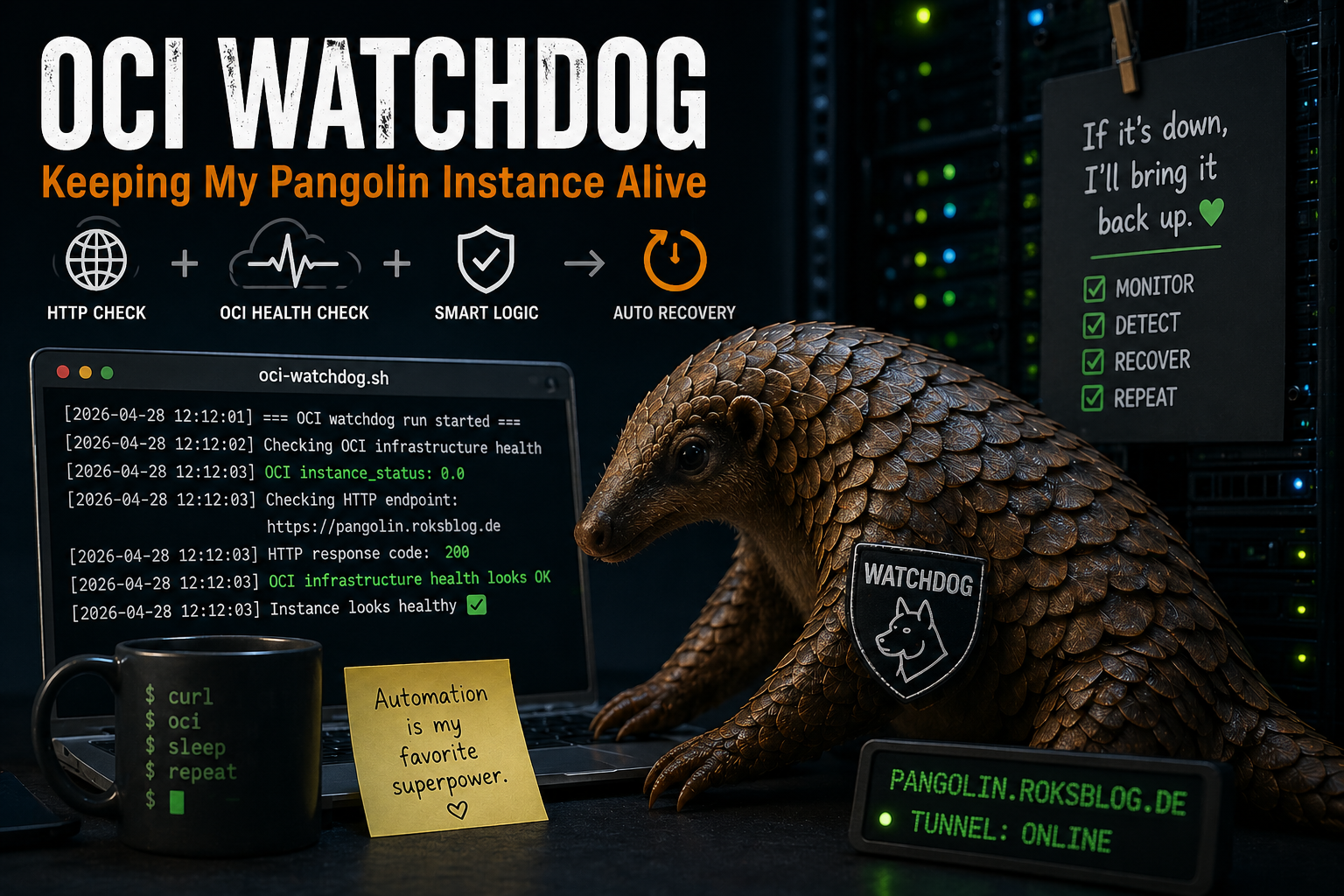
TL;DR
Oracle Cloud can detect when your VM has problems — but it won’t automatically fix them.
I built a small watchdog script that:
- checks if my service is reachable
- queries OCI health metrics
- automatically resets the VM if needed
It runs from my homelab and just works. You can find it here.
The Problem
I’m running a Pangolin instance on Oracle Cloud Infrastructure (Free Tier).
Overall? Surprisingly solid.
But every now and then:
- the service stops responding
- the tunnel is dead
- HTTP just hangs
From the outside, it looks like the VM is gone.
But when I check OCI:
👉 The instance is still running
“Doesn’t Oracle detect that?”
Actually… yes and no.
OCI provides an infrastructure metric:
instance_status0→ everything fine1→ infrastructure problem
So Oracle does know when something is wrong at the hypervisor level.
But here’s the catch:
Your application can be completely dead while OCI still says everything is fine.
Existing solutions
There is already a project for this:
👉 https://github.com/afreidah/oracle-watchdog
It’s a solid approach, but for my setup it felt a bit heavy.
I didn’t want:
- additional infrastructure
- complex deployments
- something I don’t fully understand
The idea
Instead of relying purely on OCI, I flipped it around:
👉 Check from the outside — like a real user would
Then combine that with OCI data.
The approach
With the help of AI I built a small Bash script that:
- Decides what to do
Queries OCI:
instance_statusChecks my public endpoint:
https://pangolin.roksblog.deThe logic
If OCI reports problem → resetElse if HTTP fails multiple times → resetElse → do nothingSimple. Transparent. No magic.
Why this works better than OCI alone
Because it reflects reality.
OCI sees:
- VM is up
- hypervisor is fine
But your users experience:
- timeouts
- broken service
- no response
👉 The HTTP check is the truth.
Making it safe
The important part is avoiding “panic reboots”.
So the script includes:
🧠 Failure threshold
Only reset after multiple failed checks (e.g. 3)
⏱ Cooldown
Prevent reboot loops
🌐 Smart HTTP handling
Only treat real failures as errors:
- timeout (
000) 500,502,503,504
Not:
- redirects
- auth errors
- 404s
Bonus: Telegram alerts
Because silent restarts are boring.
The script sends notifications when:
- a failure is detected
- a reset is triggered
- the service recovers
Running it from my homelab
This is the part I like most:
👉 The watchdog runs outside OCI
That means:
- it still works if the VM is completely dead
- no dependency on the instance itself
- no chicken-and-egg problem
Cron job:
*/10 * * * * ~/scripts/oci-watchdog/oci-watchdog.shOCI integration
Reset is done via CLI:
oci compute instance action \ --instance-id <INSTANCE_ID> \ --action RESETAuthentication is handled via:
~/.oci/configResult
Since running this:
- no more “silent hangs”
- automatic recovery
- clear logs and notifications
And most importantly:
👉 I don’t have to think about it anymore
Lessons learned
This is one of those classic cloud lessons:
The provider gives you building blocks — not complete solutions.
OCI gives you:
- metrics
- APIs
- compute
But:
👉 you still need to build the glue
Final thoughts
Could this be more “enterprise”?
Sure:
- OCI Functions
- Monitoring alarms
- full auto-healing pipelines
But honestly?
For a Free Tier setup:
👉 this simple watchdog is perfect
Repo
I’ve put the script and setup here:
👉 https://github.com/r0k5t4r/oci-watchdog
Closing thought
Sometimes the best solution is not:
“more cloud”
but:
“a small script that actually solves the problem”